
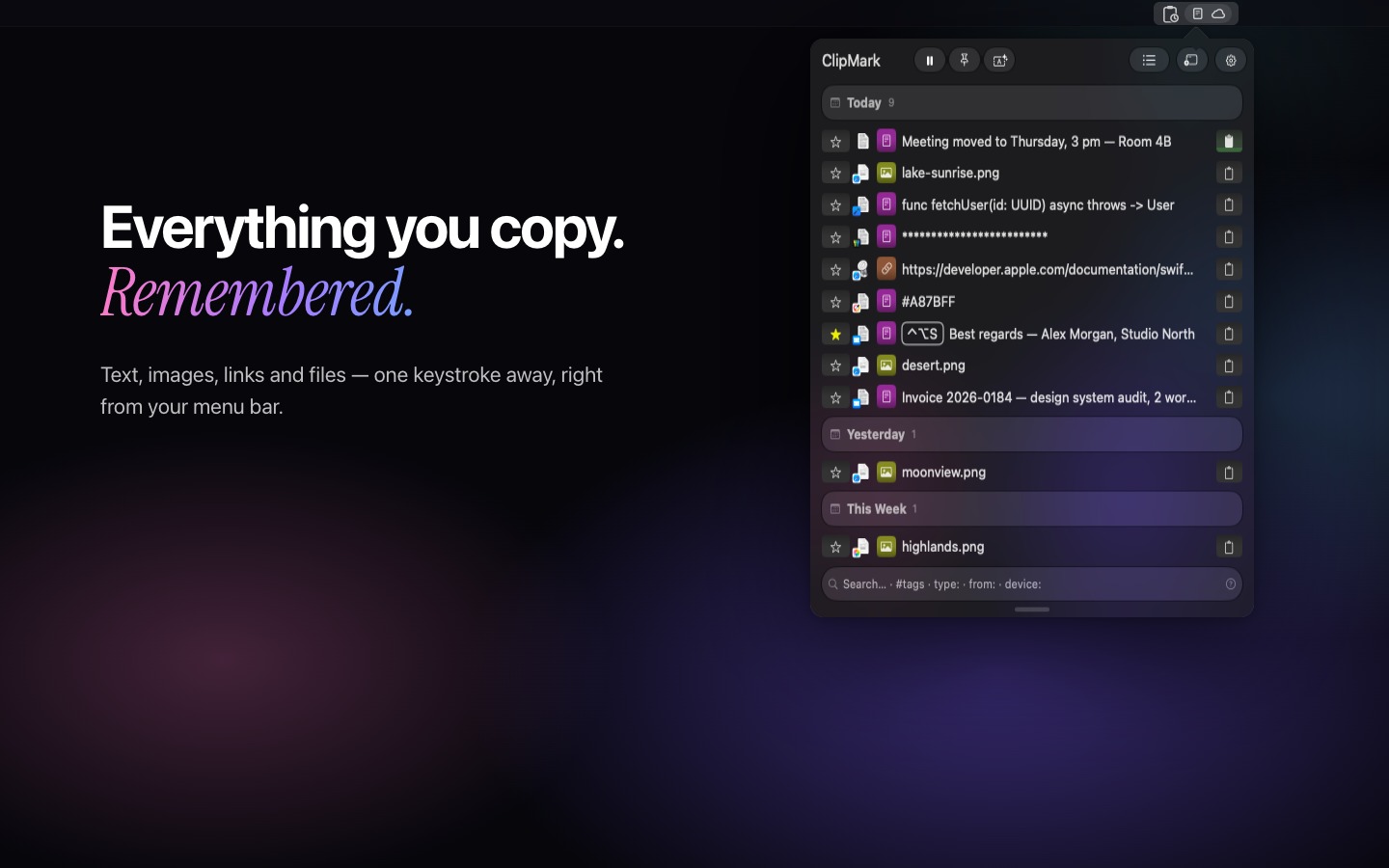
ClipMark is a native clipboard manager for Mac. It remembers everything you copy (text, images, files, links and code) and keeps it one keystroke away: search, #tags and text recognition find it again, Quick Recall brings it back. Your history stays on your Mac; iCloud sync is optional. One-time purchase, no subscription.
- Quick Recall
- Hold ⌃⌘R in any app and your history fans out in a full-screen cover flow. Flip through it with the arrow keys or a click, let go, and it's on your clipboard.
- Search and tags
- Find any clip in seconds with full-text search, #tags and type filters such as type:png. Create your own tags to keep your history organized.
- Queue Paste
- Queue up several clips and paste them one after another with a single shortcut. Forms in seconds.
- Favorites and custom hotkeys
- Favorites are protected from cleanup. Give a clip its own keyboard shortcut and paste it in any app without opening ClipMark.
- Passwords, your call
- Clips that look like passwords are masked automatically. Reveal them with the eye, mark any text clip as a password or plain text, and keep apps like your password manager out entirely.
- Text transformations
- Change text right inside ClipMark: uppercase, lowercase, camelCase, snake_case, JSON formatting, Base64 and more.
- Drag & Drop
- Drag any saved item straight into another app. The right format is picked automatically.
- Shortcuts app
- Seven actions for the Shortcuts app, from getting the last clip and searching ClipMark to toggling tracking.
- Optional iCloud sync
- Sync is off by default. Turn it on to keep your history in step across your Macs through your own iCloud. No ClipMark account, no ClipMark servers.
- Find text in images
- Built-in text recognition helps you find and copy text from images and screenshots.